

How the X bookmarks import works
Imports saved X posts into Supermemory as searchable memories, so bookmarked social research is reusable alongside the rest of your memory.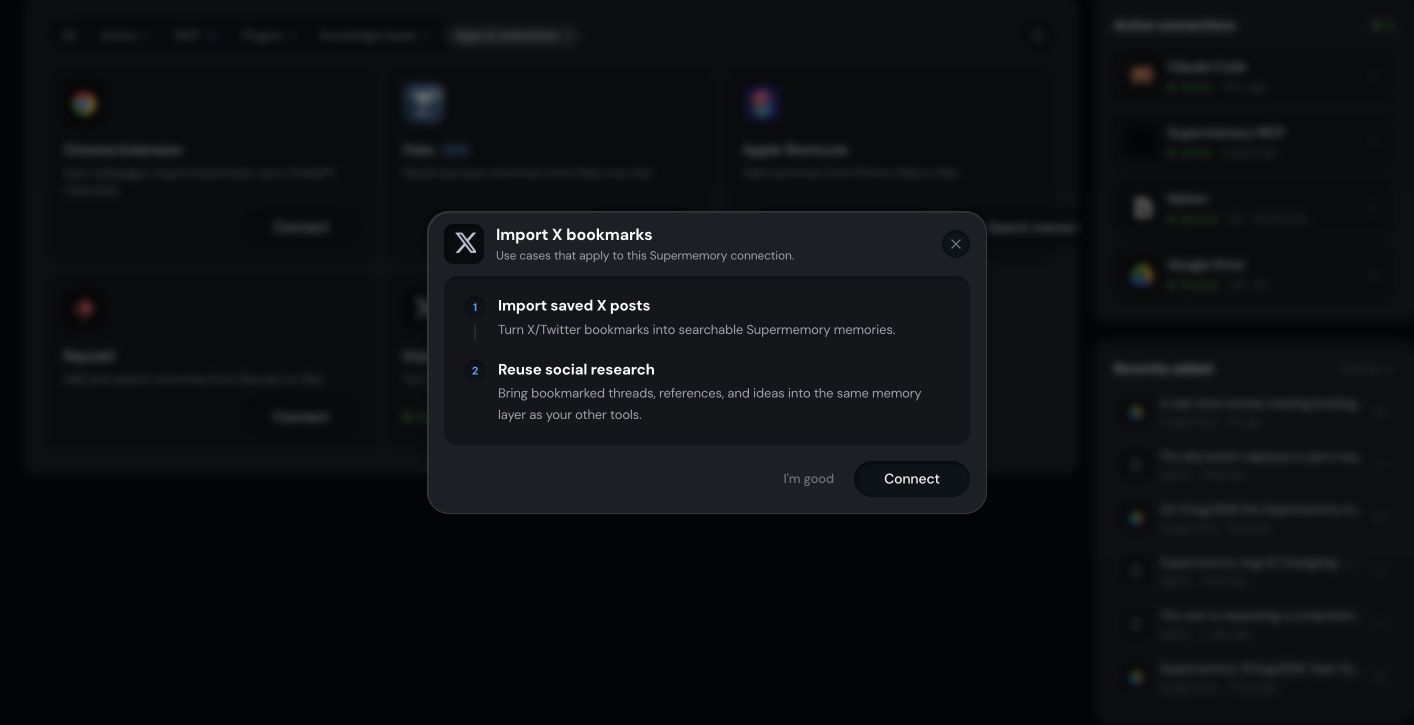
Before you start
- A Supermemory account with Personal Brain access
- Signed in at app.supermemory.ai
- Access to your X account
- The active organization and Space you want the bookmarks saved into
How to import X bookmarks into Supermemory
1
Open Integrations in Personal Brain
Go to Integrations and select X bookmarks.
2
Choose the destination Space
Confirm the active Space where the imported bookmarks should live.
3
Start the import
Follow the prompt to connect your X account and begin the import.
4
Wait for processing
Bookmarks are added as memories and finish processing before they’re searchable.
How the X bookmarks integration turns posts into memories
The integration reads your existing X bookmarks and adds each one as a memory in the selected Space. Search picks them up once processing completes.What the X bookmarks import saves and searches
- Save: your existing X bookmarks as memories
- Search: those bookmarks alongside everything else in the same Space
Limitations of the X bookmarks import
- This is an import of existing bookmarks, not a continuous sync unless the product UI explicitly says so.
- Imports land in the Space selected at the start of the import. Move memories between Spaces from Personal Brain if you picked the wrong one.
- Large bookmark libraries take longer to finish processing.
How to troubleshoot the X bookmarks import
- Bookmarks didn’t appear. Check the active organization, active Space, and connection status for the X integration.
- Some bookmarks are missing. Confirm the import finished and that individual memories finished processing.
- Search doesn’t return a bookmark. Confirm the Space you’re searching matches the Space the import landed in.
Related
Integrations
See every way to save and recall from Personal Brain.
Spaces
Keep different parts of your memory organized and separate.