

What a Space is
A Space is a named container inside your Personal Brain. Common ways people split them:- Personal for life, notes, and reading
- Work for your job in general
- Research for a topic you’re going deep on
- A client you’re working with
- A coding project you switch in and out of
What a Space affects
- Where content is saved when you add something new
- The scope of search when you look something up
- What a connected tool can see when it saves or recalls on your behalf
Create and select a Space
1
Create a Space
From the Space selector in Personal Brain, create a new Space and give it a name that matches how you’ll use it.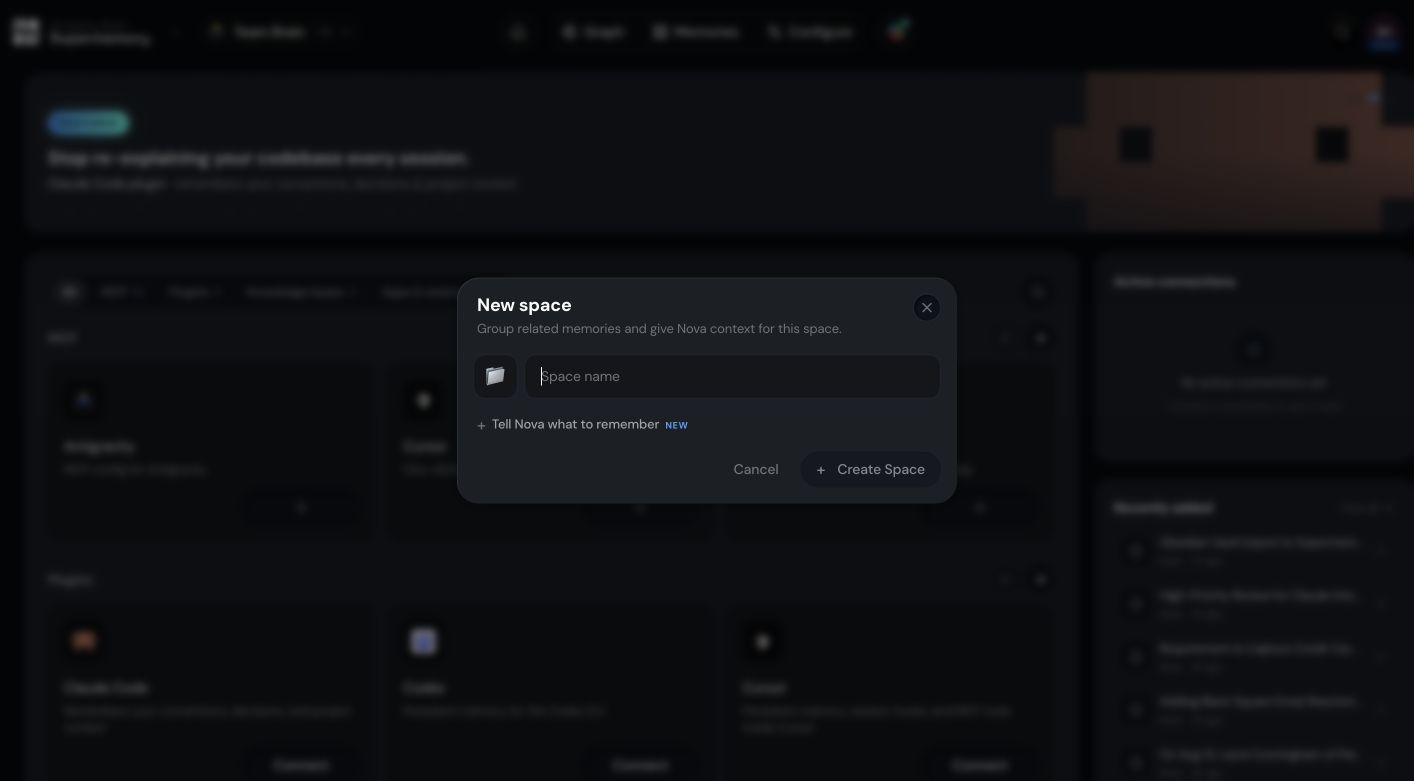
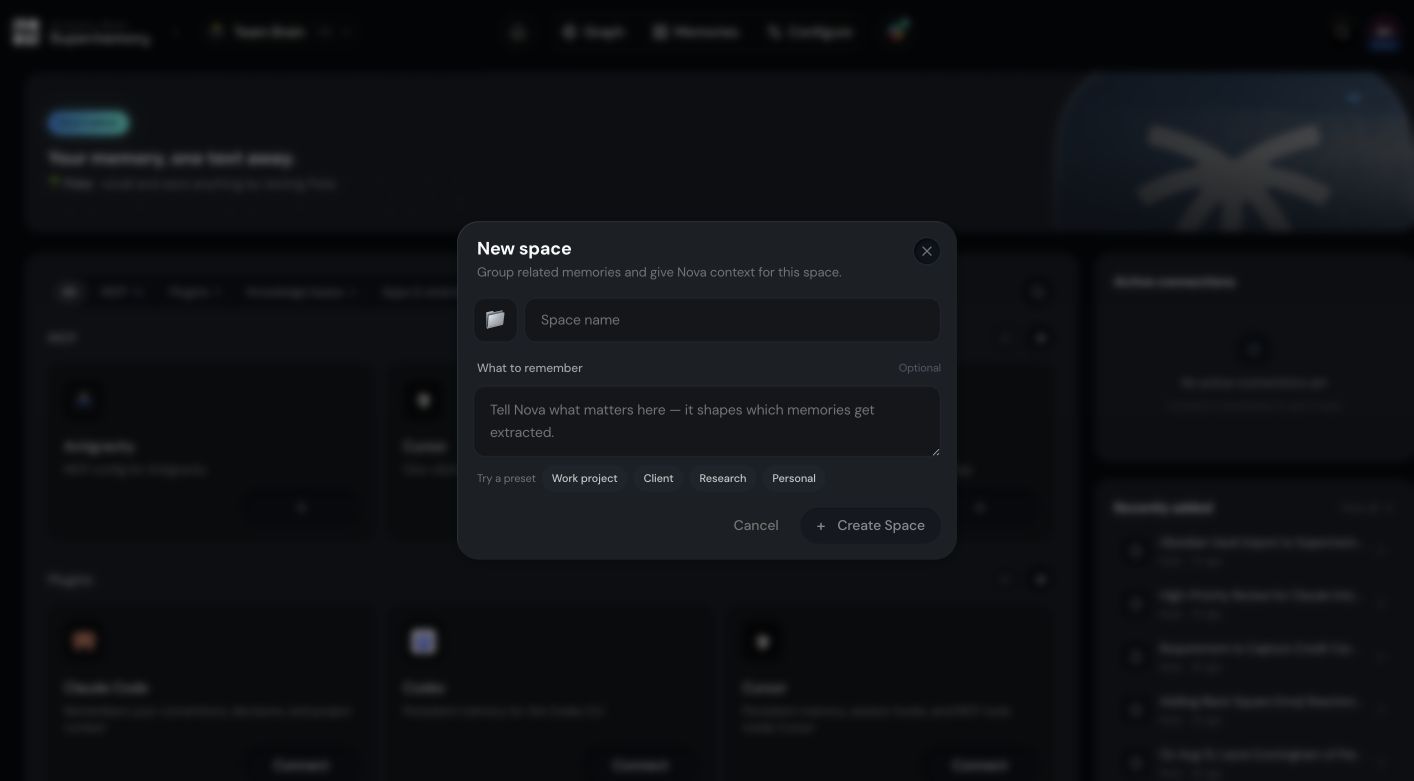
2
Select the active Space
Switch to the Space you want before you save or search. New content goes into the active Space.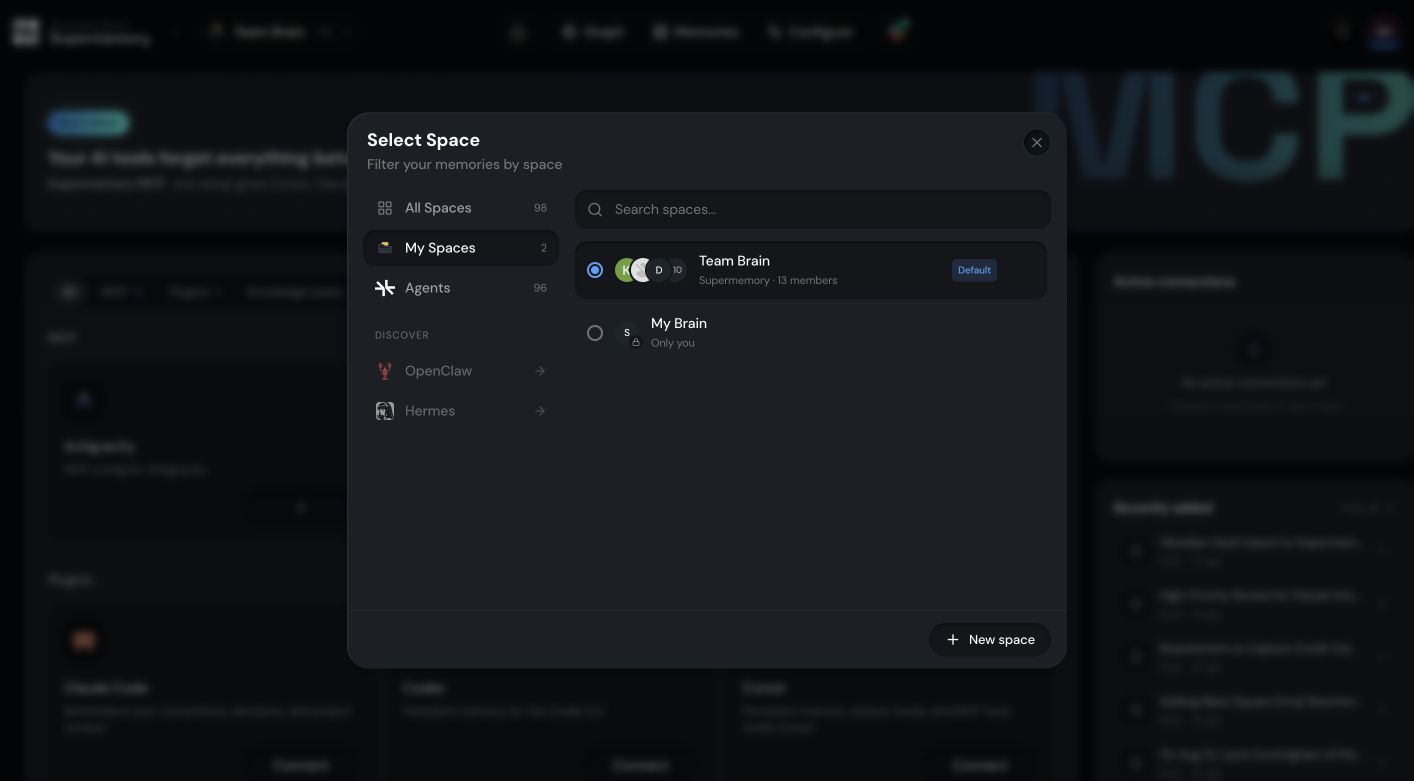
Spaces and Projects
Some coding tools use the word Project for a selected memory workspace. When you set up one of those tools, the Project you choose is how that tool refers to the Space it’s pointed at.Moving, merging, and deleting
When you delete a Space, the app can offer to move its data to another Space before deletion so you don’t lose what’s inside.Connected tools
Each connected tool saves and recalls against a specific workspace. When you set up an integration or switch which Space it uses, confirm the selected workspace inside that tool so its saves and searches land where you expect.Related
Setup
Save your first memory and find it again.
Manage your memory
Browse, edit, and organize what’s in your Personal Brain.