

The four patterns
Available integrations
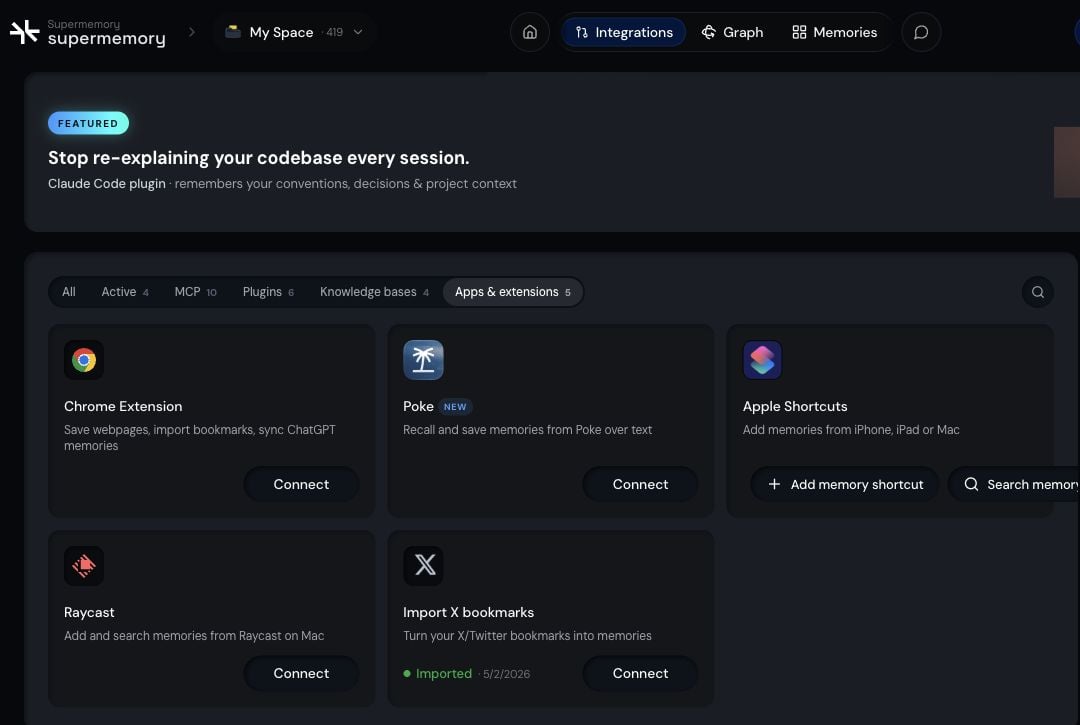

Poke
Save and recall by messaging Poke.
Browser extension
Save webpages and selections from any tab.
Apple Shortcuts
Save from Share Sheet, Siri, and automations.

X bookmarks
Import your existing X bookmarks into memory.

Raycast
Save and search from your launcher.
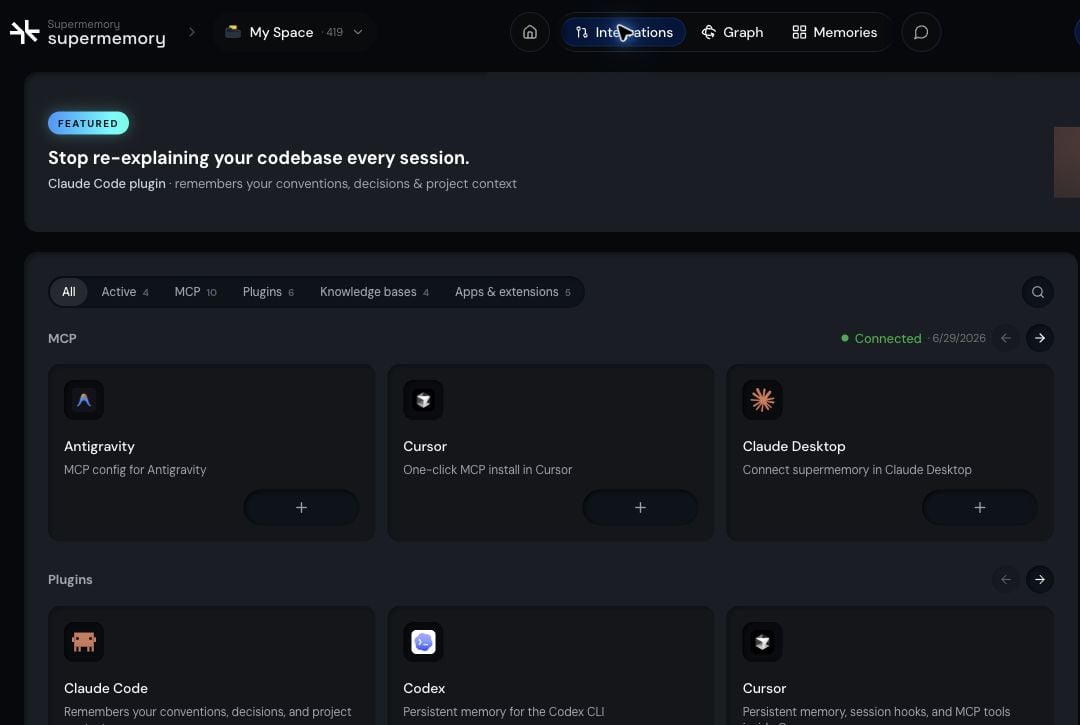
MCP and plugins
Supermemory MCP connects compatible AI clients and coding agents to your Personal Brain so they can save and recall using the same memory. See Supermemory MCP for setup and supported clients.Data connectors
Data connectors keep external sources like Google Drive, Notion, OneDrive, and Granola synced into your memory. See Connectors for the full list and setup.Which one should I use?
- Save a webpage you’re reading goes through the browser extension
- Save from your phone or via Siri goes through Apple Shortcuts
- Save or recall from your launcher goes through Raycast
- Save or recall by texting goes through Poke
- Give a coding agent or AI client your memory goes through MCP or a coding plugin
- Keep a whole external source current goes through data connectors
Related
Personal Brain overview
See how Personal Brain brings your saved context together.
Supermemory MCP
Connect MCP-compatible clients to your memory.