

Save
Add notes, links, files, webpages, and content from connected apps.
Recall
Search your memory, ask questions, or bring relevant context into another AI tool.
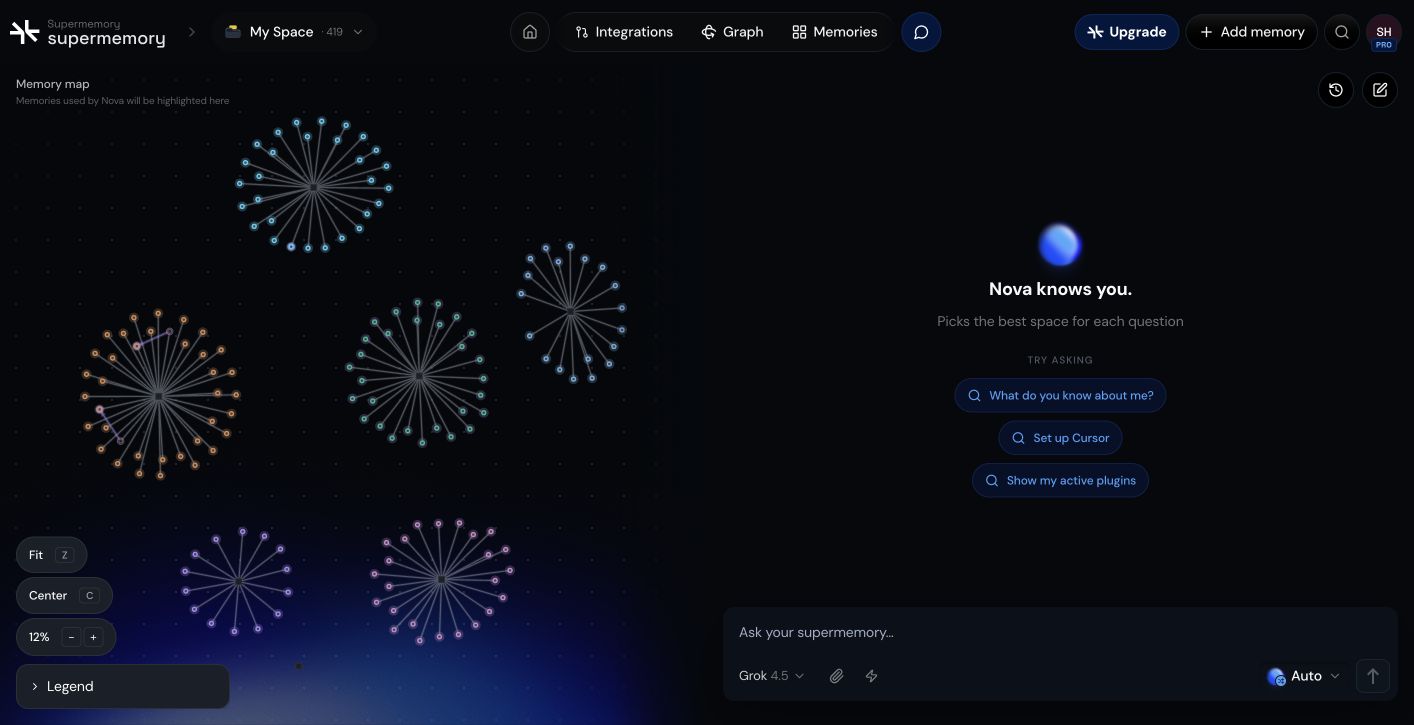
A quick example
1
Save a project decision.
Capture the decision in Supermemory so it’s part of your memory.
2
Open a new chat in a supported AI tool.
Start fresh without pasting background or context.
3
Recall the decision without explaining it again.
Your memory is available in the tool, so the decision comes back on demand.
Where you can use it
- Supermemory app
- Browser extension
- Poke
- Apple Shortcuts
- Raycast
- MCP clients and coding plugins
Where to go next
Setup
Save your first memory and find it again.
What you can do
Save, search, import, and recall across your tools.